Beyond Games
KareNot
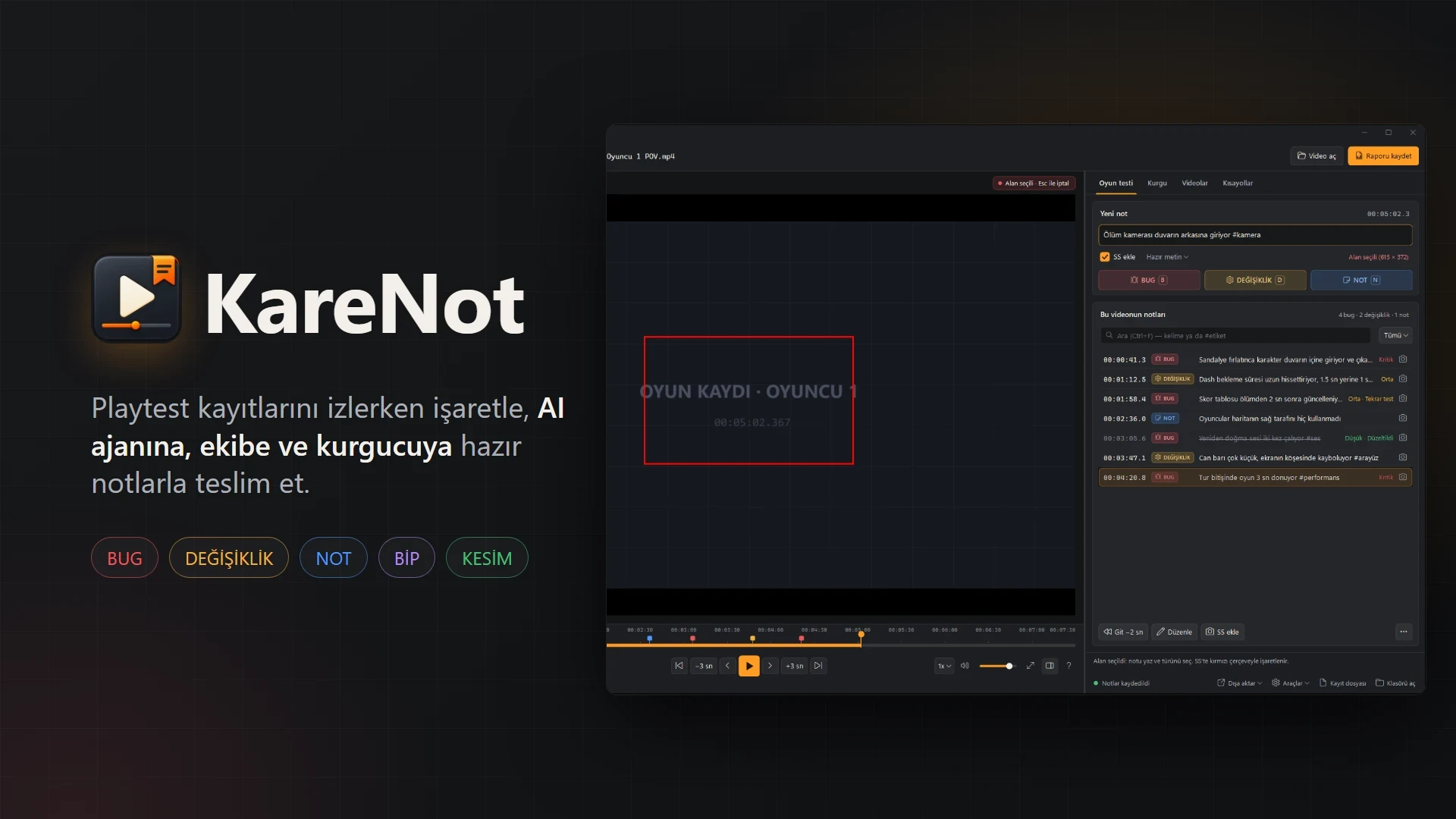
An open-source Windows tool for marking bugs and edit notes on playtest recordings, then handing them to the team, AI agents and the video editor.
- Role
- Solo · Design & Development
- Year
- 2026
- Built with
- .NET · C#
- C#
- .NET 10
- Windows Forms
- libVLC
- ffmpeg
- whisper.cpp
- Claude Code
Highlights
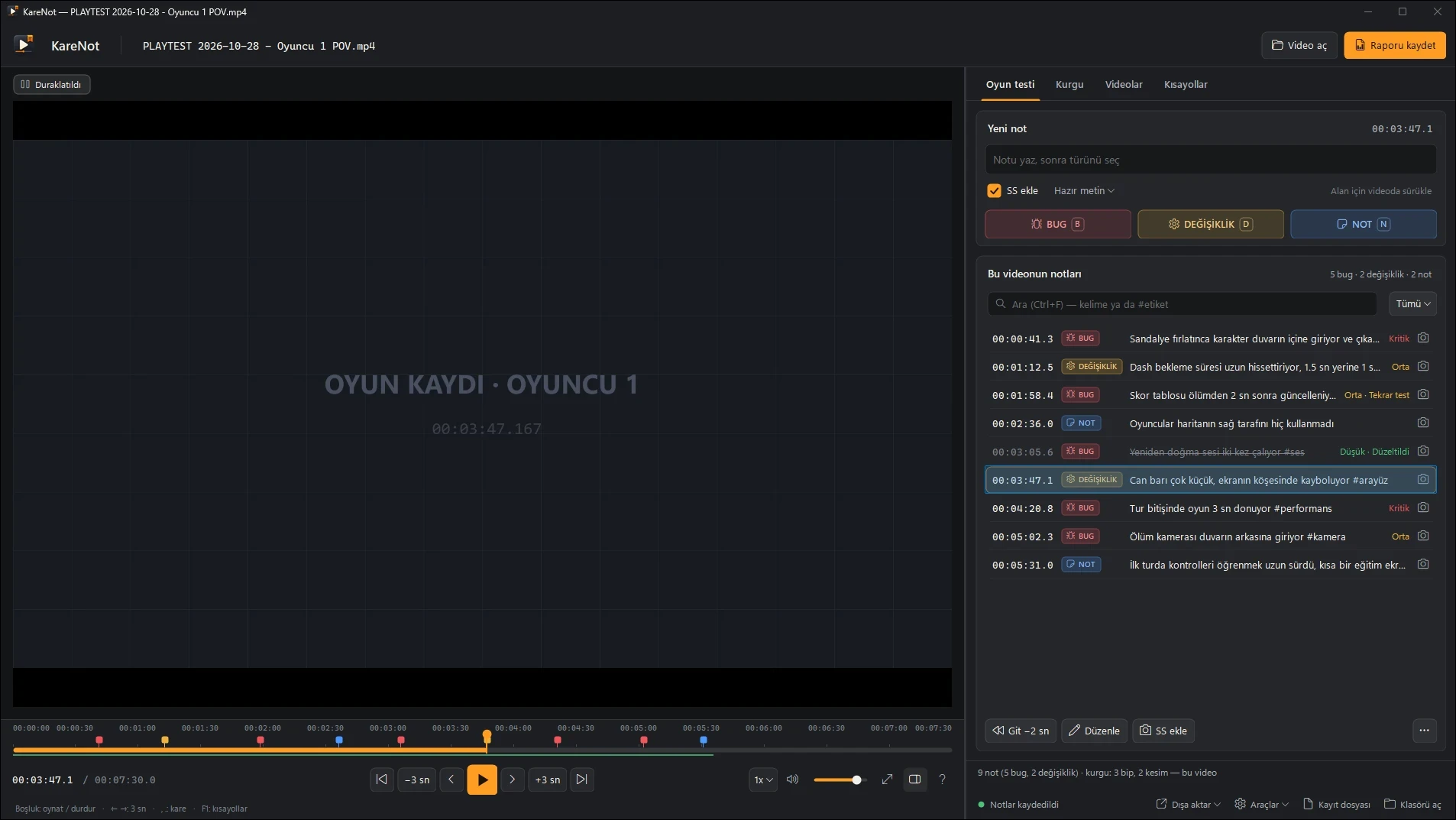
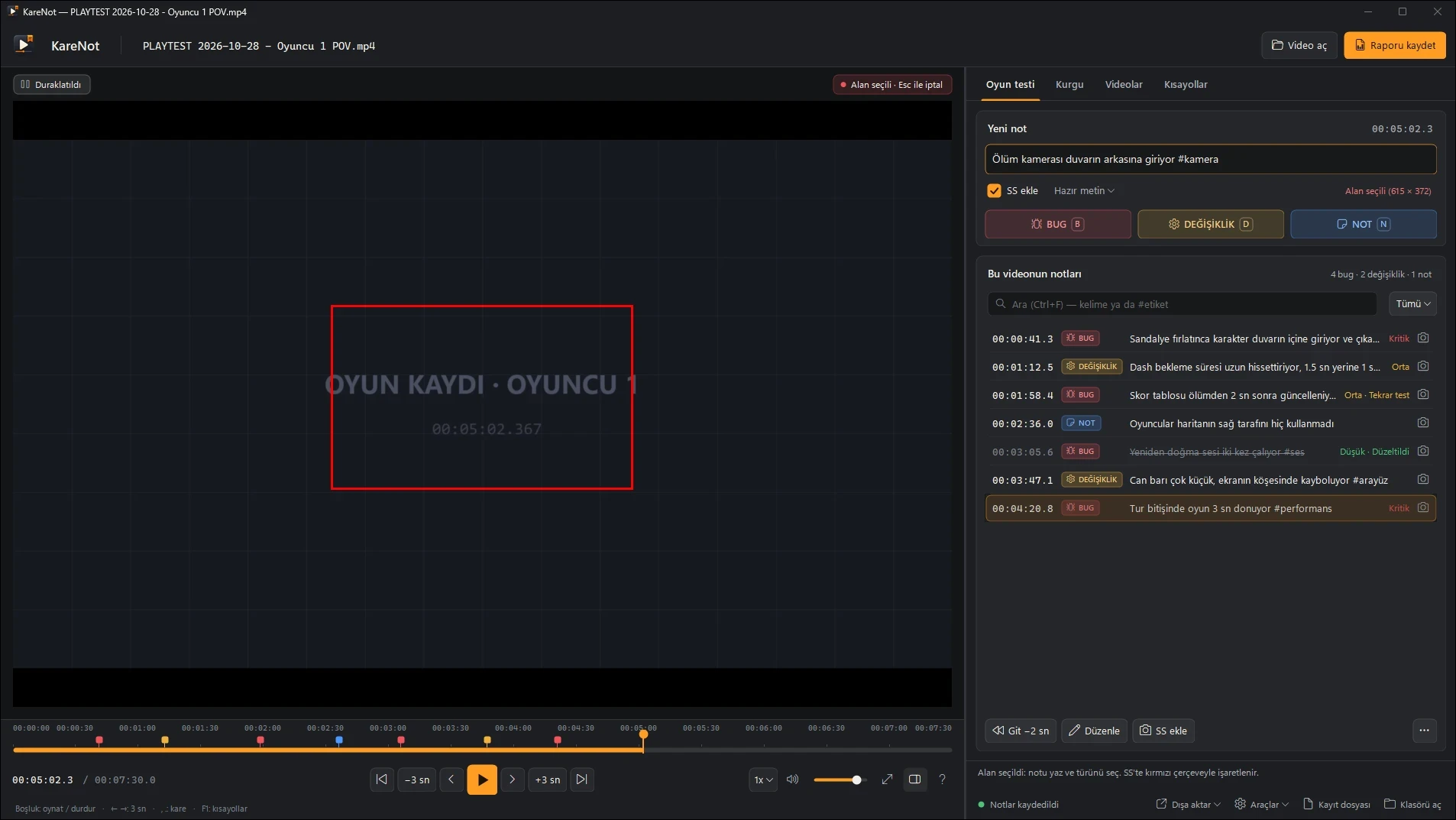
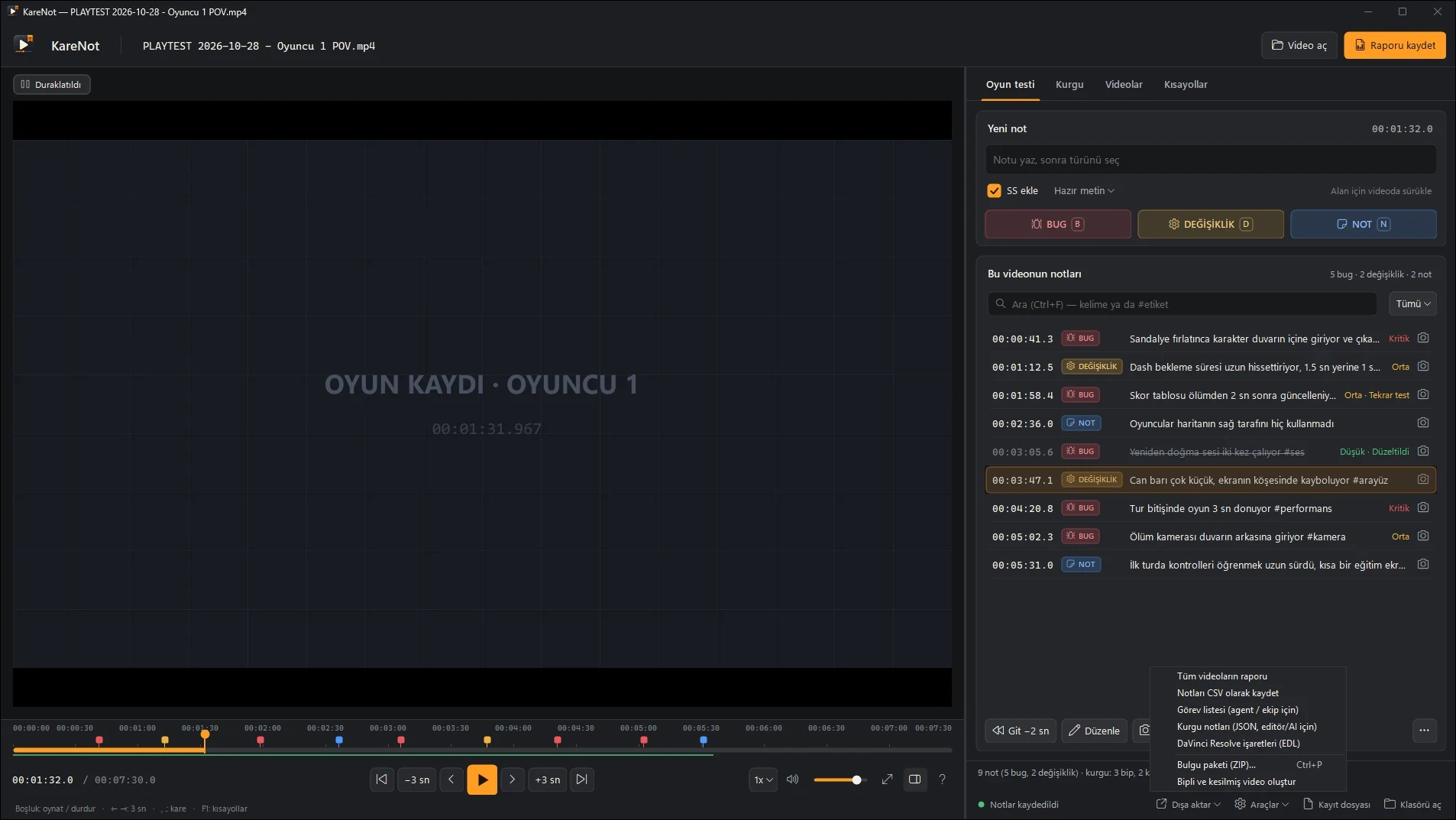
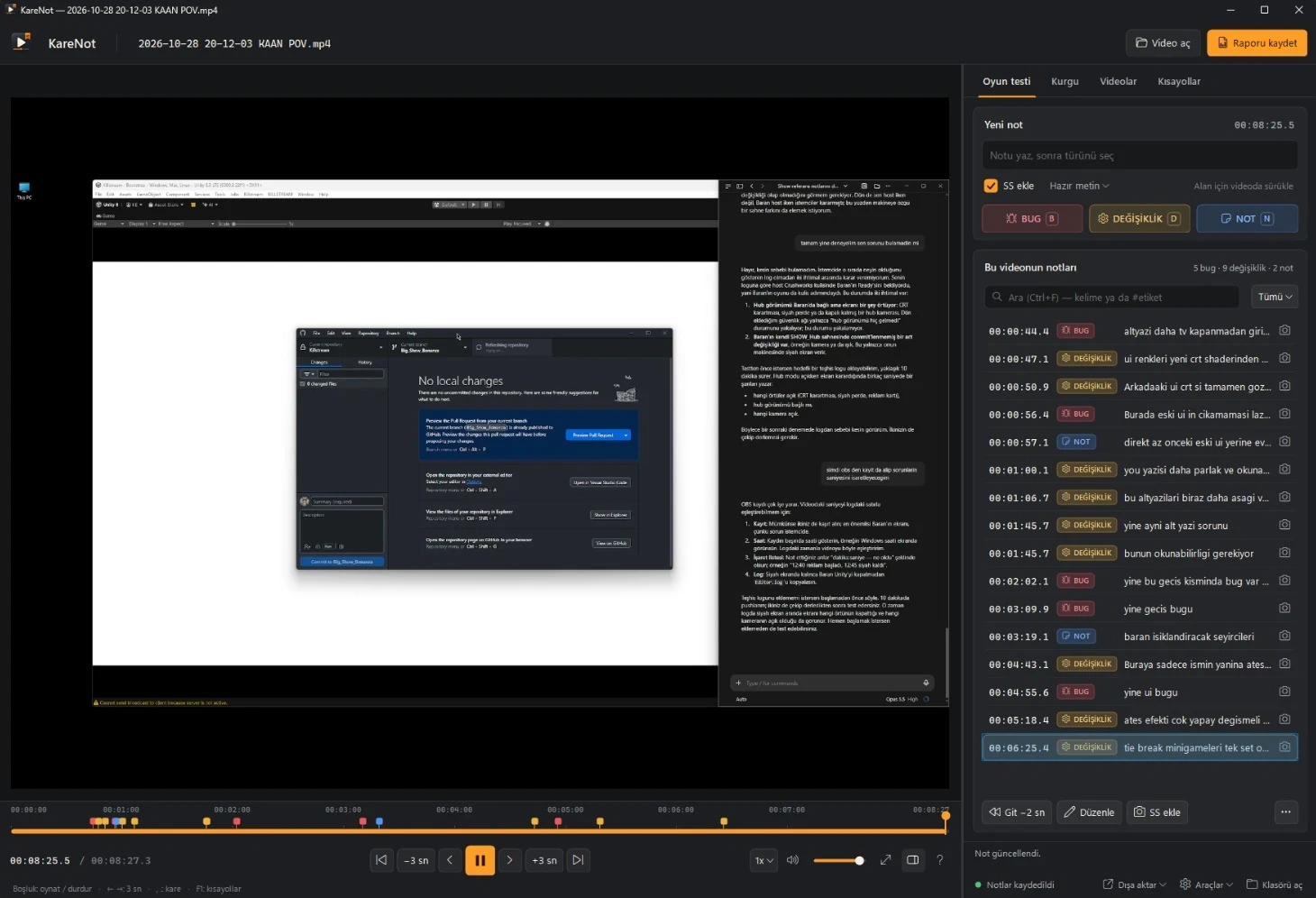
- Timestamped bug, change and note markers on a recording, with a screenshot, a short clip or a boxed area on the frame, each with a status and a severity
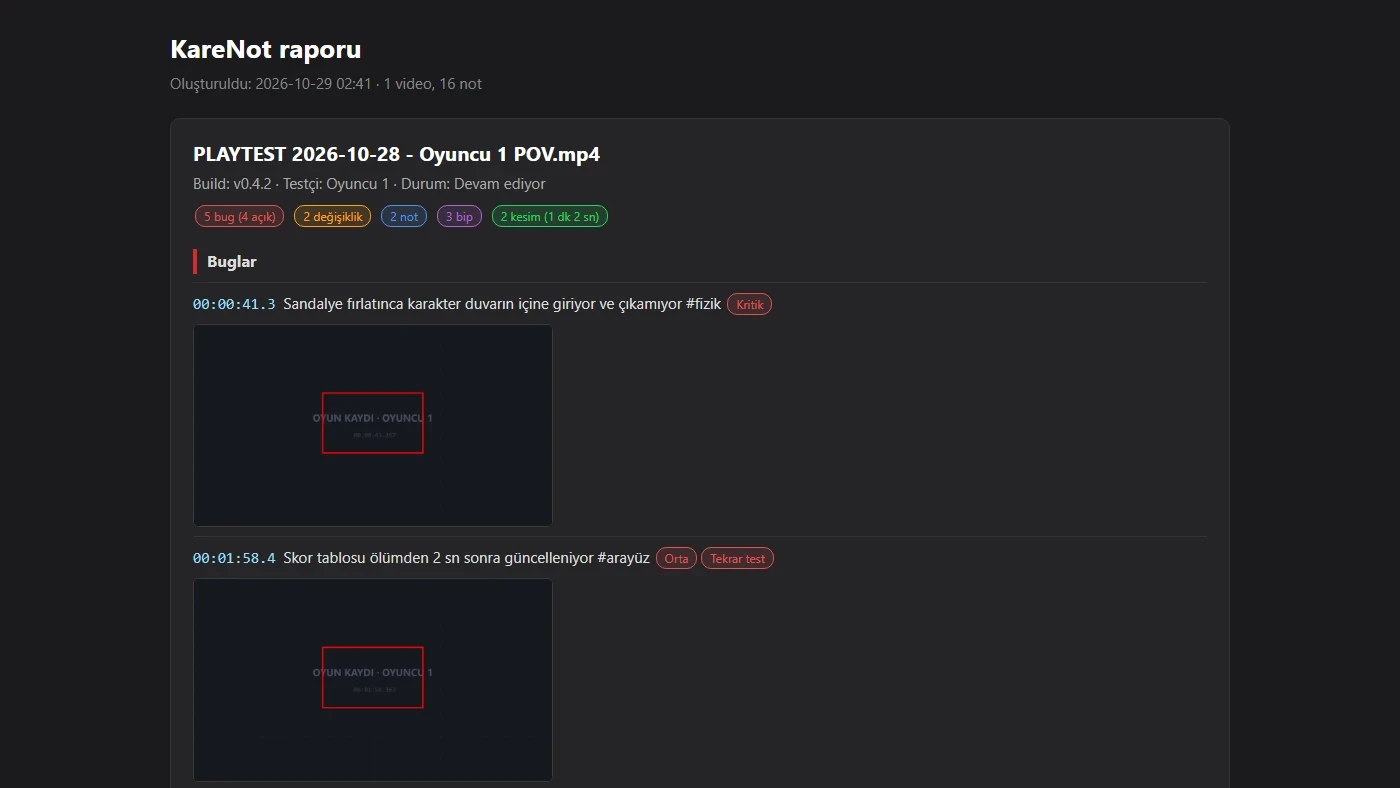
- Turns a review session into a Markdown/HTML report, a task list for teammates and AI agents, a single-file ZIP bundle, CSV and DaVinci Resolve markers
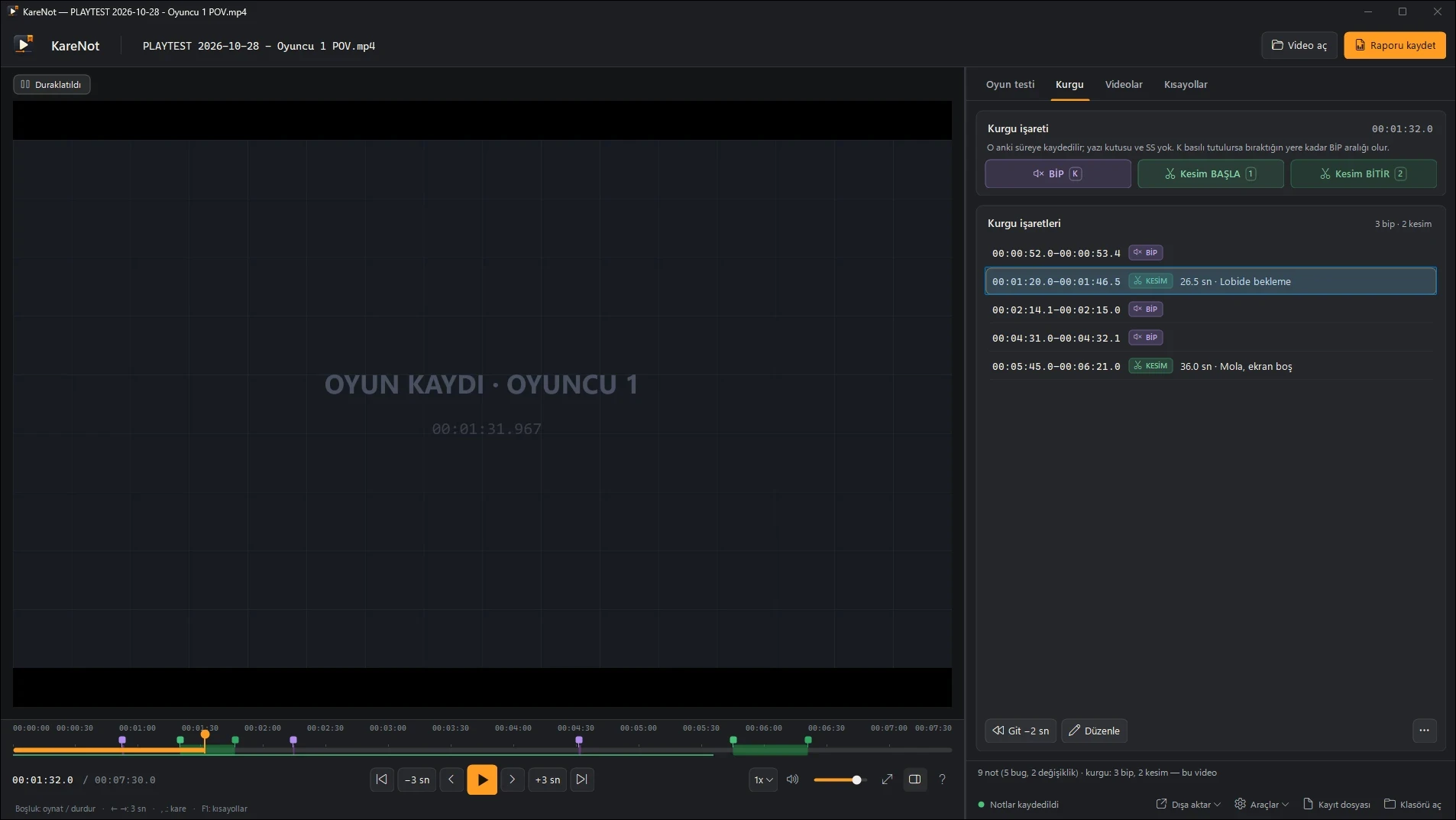
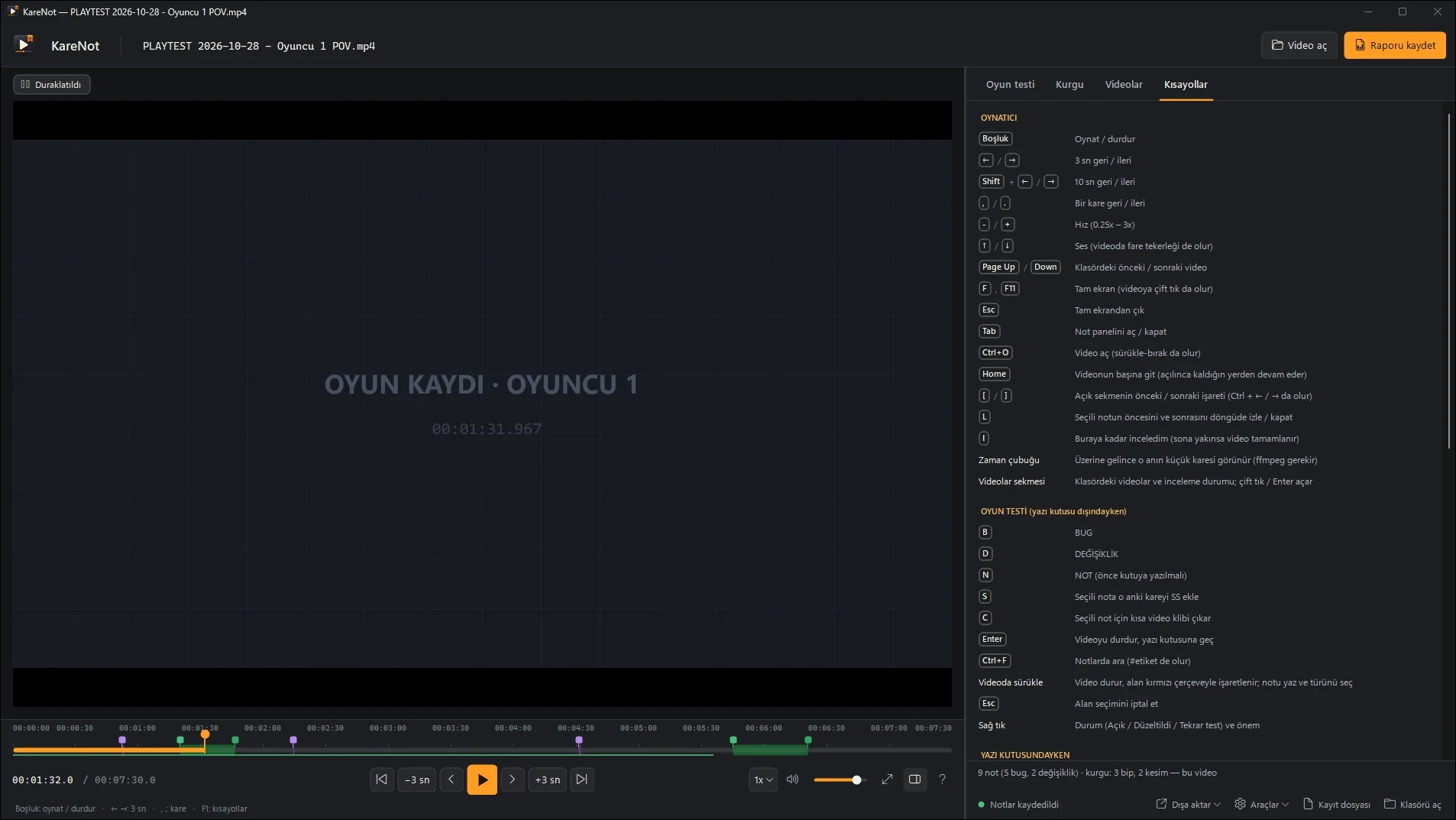
- A second, editing pass on the same footage — bleep and cut ranges for the video editor, offline profanity candidates with Whisper, and an ffmpeg export of the bleeped, cut video
KareNot (“frame note”) is a small Windows app I designed and built to review the recordings of KILLSTREAM’s playtests. I use it on our own playtest footage.
The problem. We record playtests in OBS. Watching them back, the useful part — “the camera clips into the wall here” — used to end up in loose notes that lost the moment, the frame and the context. KareNot keeps every note pinned to its timestamp and frame, and turns a review session into something the team can act on: a report with thumbnails and clips, or a task list where each open finding has a title, a time, a severity and an expected / observed / acceptance skeleton, ready for a teammate or an AI agent to pick up.
Two jobs, one pass. The same recordings also become videos for the game’s social accounts. So next to the bug notes there is an editing track: bleep and cut ranges, exported as machine-readable JSON and a readable list for whoever edits the video, or rendered directly into a rough cut. Whisper suggests profanity to bleep and silence detection suggests dead air to cut, fully offline; suggestions are marked as candidates and undo in one step.
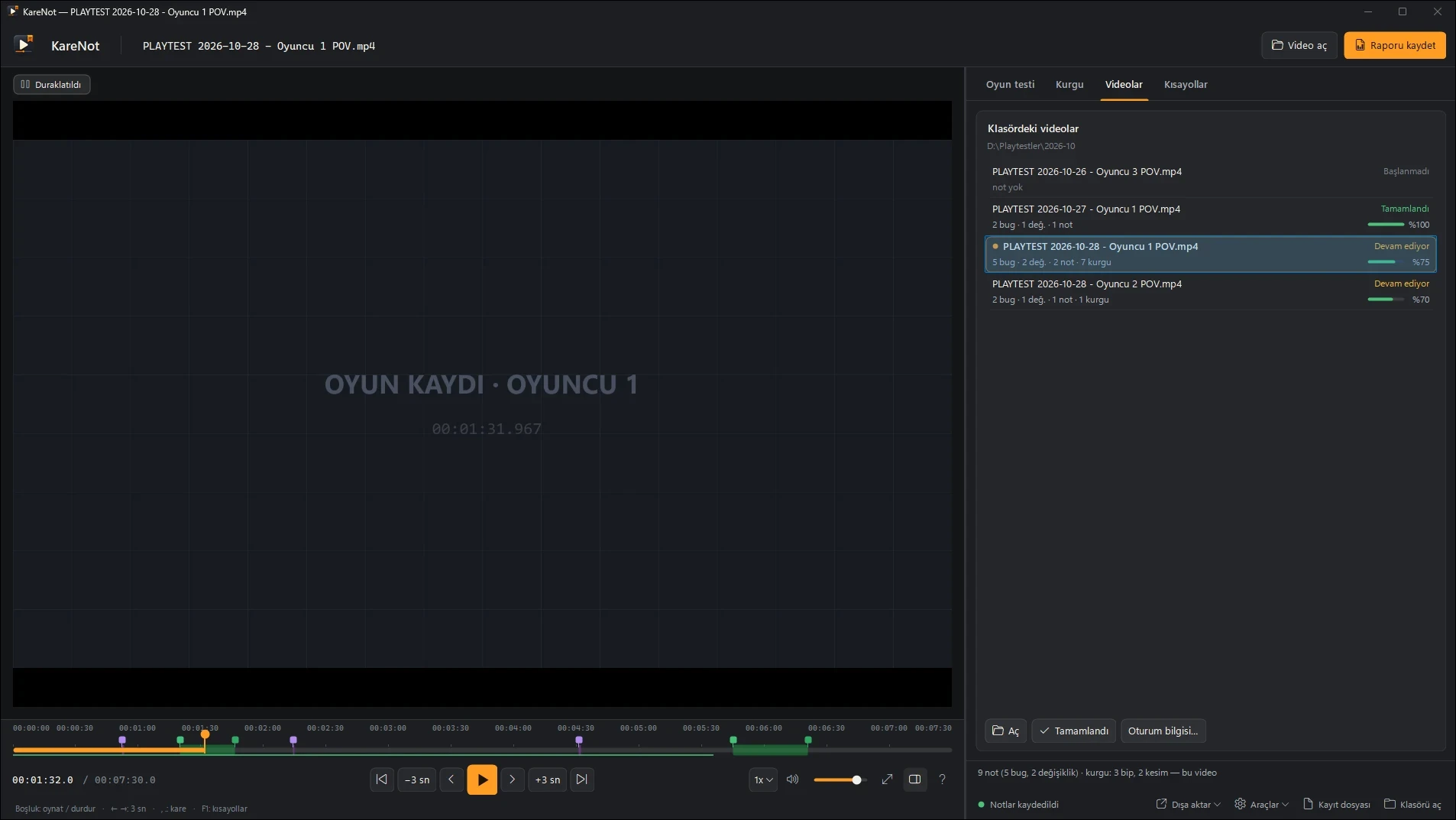
How it is built. C# and Windows Forms on .NET 10, with VLC’s playback engine for frame-by-frame stepping. ffmpeg handles clips, previews and the exported cut, and whisper.cpp runs speech recognition locally. Notes are plain tab-separated text, one file per video, so they stay readable and editable outside the app. An automated self-test drives the player, note-taking, area marking, cut ranges, undo/redo, filters and reports. It is open source, with a Windows build on GitHub; a Mac plugin for the IINA player shares the same note files but has not been tested yet.
Screenshots